Automated invoicing removes the manual work of creating and sending rent or service charge invoices every period. This guide walks you through how to set up automated invoicing for property portfolios so tenants and unit owners receive consistent, on-time invoices without you lifting a finger each month.
Why automate?
Manual invoicing is error-prone and time-consuming when you have many units. You may forget a tenant, use the wrong amount, or send invoices late. Automation ensures every unit is billed on schedule with the correct amount and that reminders can be sent automatically, improving collection and reducing admin.
What you need
You need: (1) a list of units and the rent or service charge amount for each, (2) a billing cycle (e.g. monthly, in advance or in arrears), and (3) property management or accounting software that supports recurring invoicing. Optionally you may have variable amounts (e.g. metered utilities); some systems support that too.
Step-by-step setup
- Define properties and units — In your software, create each property and unit (or unit owner/tenant) so the system knows who to bill.
- Set rent or service charge amounts — Enter the recurring amount per unit. If you bill in advance, the system will generate the invoice at the start of the period; if in arrears, at the end.
- Choose billing frequency — Typically monthly. Set the day of the month invoices are generated (e.g. 1st or 5th).
- Enable reminders — Configure automatic reminders (e.g. 3 days before due date, on due date) so tenants get a nudge with the amount and payment details.
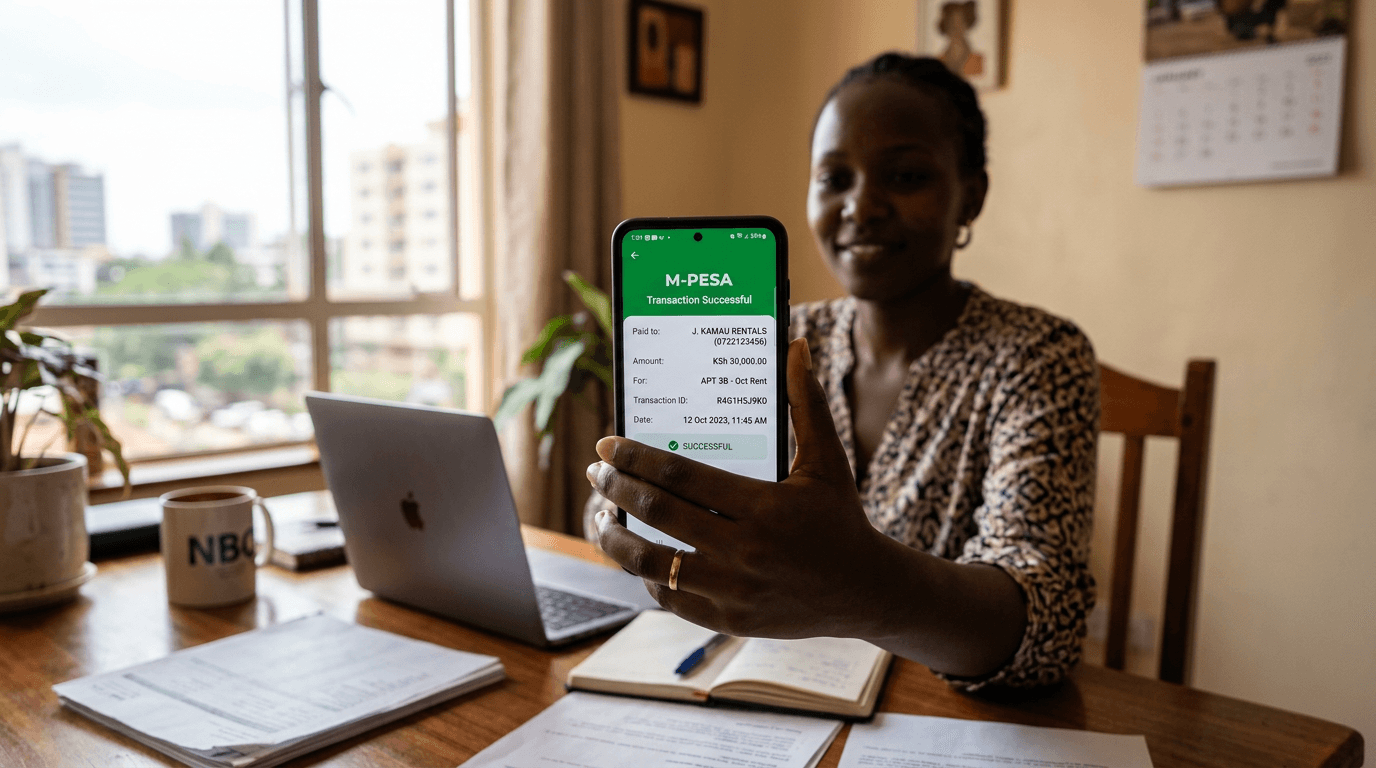
- Connect payment collection — Link your M-Pesa paybill or bank so that when payments arrive, they are matched to the right invoice and your ledger updates automatically.
Once set up, the system generates and sends invoices and reminders on schedule. You focus on exceptions and reporting instead of manual billing. For a platform that does this for rent and service charges, see Automated Invoicing & Payment Reconciliation and request a demo.